Native Mac app · macOS 14+
Rested reminds you to rest your eyes, straighten up and step away, and stays quiet while you are on a call, sharing your screen or deep in something.
What it does
Two timers, a heads-up before every break, and a full-screen pause on every display you own.
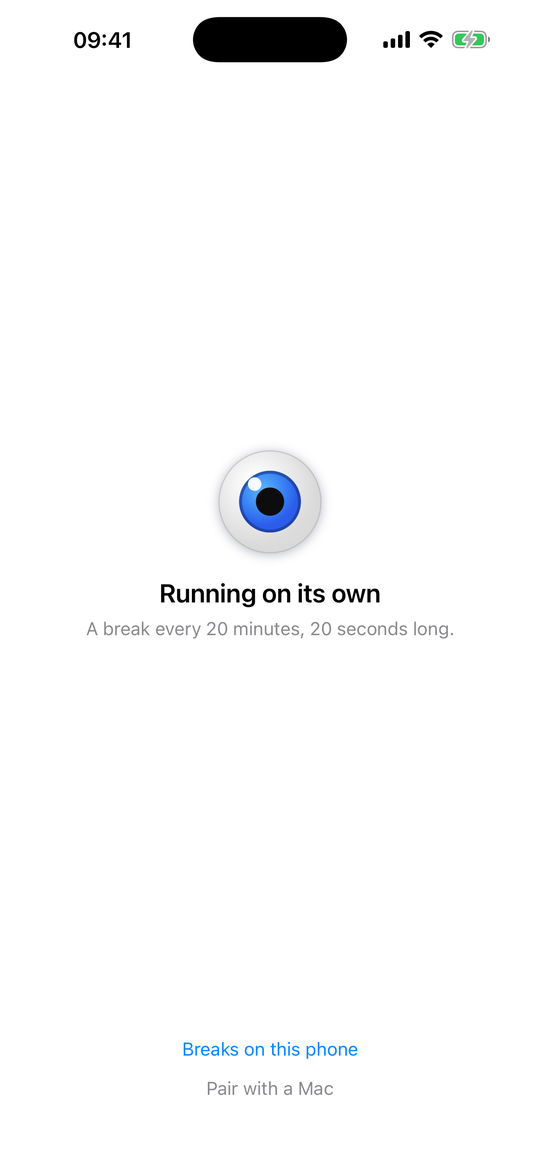
A 20-second micro break every 20 minutes to let your eyes refocus on something far away. Every number is yours to change.
A proper pause every hour: stand up, stretch, walk. Your own message appears on the break screen so it lands.
Thirty seconds before a break, a small panel offers to start now, add a minute, or skip. A countdown follows your cursor.
The break screen covers all your monitors together, so there is nothing left to keep staring at.
Between breaks, a quiet strip slides down: shoulders back, screen at eye level, blink a few times. Nothing to click.
Breaks taken, breaks skipped, screen time and time actually spent resting, for today and the last seven days.
Rested for iPhone
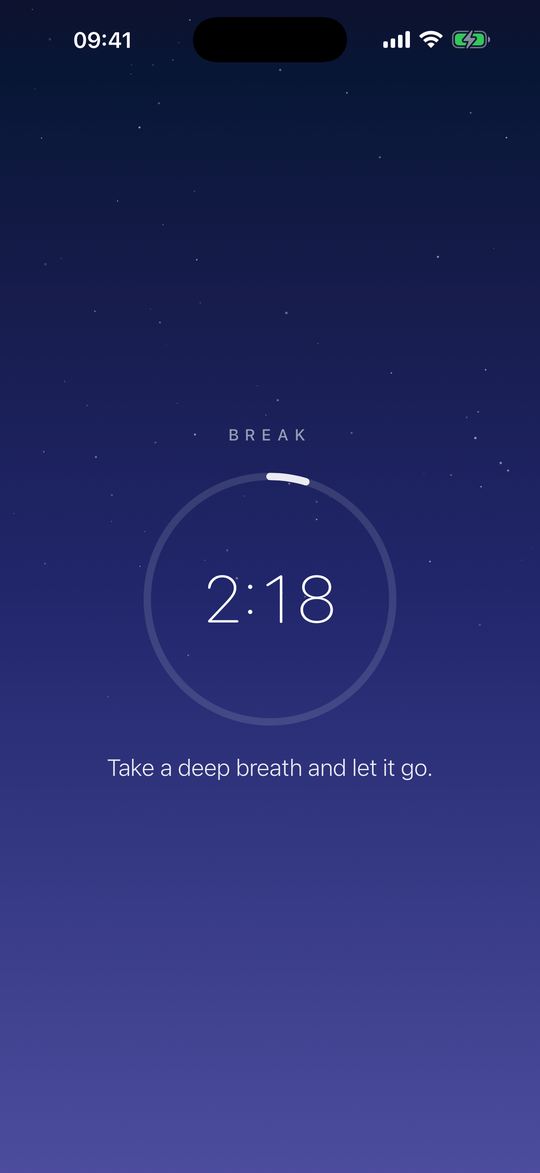
The oldest way to ruin a break is to spend it on your phone. So when the Mac says look away, the phone says it too — the same countdown, at the same moment, on the Lock Screen and in the Dynamic Island. Put it down and rest properly.
Quiet mode
A break reminder that interrupts a client call is a break reminder you turn off after a week. Rested watches what is actually happening on your Mac and holds the timer until the moment passes.
Planned breaks
Some breaks belong to the clock, not to a timer. Set them per weekday, give each one a name and a length, and Rested keeps them for you.
Made for the Mac
No Electron, no Dock icon, no account. Rested lives in the menu bar and starts with your Mac.
Take a break, skip one, or pause everything without reaching for the mouse.
Run an AppleScript or a Shortcut when a break starts or ends: pause music, set a status, dim the lights.
Six calm gradients or your own image, system sounds, and your own break messages.
Pricing
No subscription, no account, no data leaves your Mac.
Sold and processed by Stripe · charged in your local currency
Yes. The break screen appears on every connected display at the same time, so there is no second screen left to stare at.
Rested notices the microphone is in use and holds the timer. When the call ends, the break you were due starts within a few moments. The same goes for screen sharing, recording, fullscreen apps and any focus app you nominate.
No. There is no account, no analytics and no network connection except the one-off licence check when you activate. Your settings and statistics stay on your Mac.
macOS 14 Sonoma and later, on both Apple silicon and Intel Macs.
One. You can move it to a new Mac whenever you like: remove the key in Settings on the old machine and paste it on the new one. Need several seats for a team? Write to us.
The trial runs for 14 days with every feature unlocked, so you can be sure before you pay. If something still goes wrong, write to us within 30 days and you get your money back.